

Back in the late ’80s I played a game called Cosmic Glob on my Atari 130XE . The Atari ran on a 6502 CPU — the same processor that powered the Atari 2600 game console. When people hear “Atari,” they usually picture that console, but Atari also built a line of full home computers, and in those days magazines dedicated to Atari computing used to come with pages of BASIC and assembly code that you could type in by hand. Manually. Every line. If you made a typo, you debugged it yourself.
I typed in one such game — Cosmic Glob — and my brother and I wore it out. You can see a demo of it on YouTube . The gameplay was a riff on Asteroids : avoid the enemy, shoot everything, don’t die. But Cosmic Glob had a twist that I’ve never seen replicated anywhere. When you shot another player, instead of destroying them it pushed them — hard — in the direction you were firing. Your bullet was a physics impulse, not a kill shot. You could use that to run your opponent into an obstacle, or just knock them across the screen for laughs. My brother and I spent far more time harassing each other than actually fighting the enemy Glob. That little mechanic turned a solo arcade game into a chaotic social experience, and I’ve never forgotten it.
Enter Claude Code
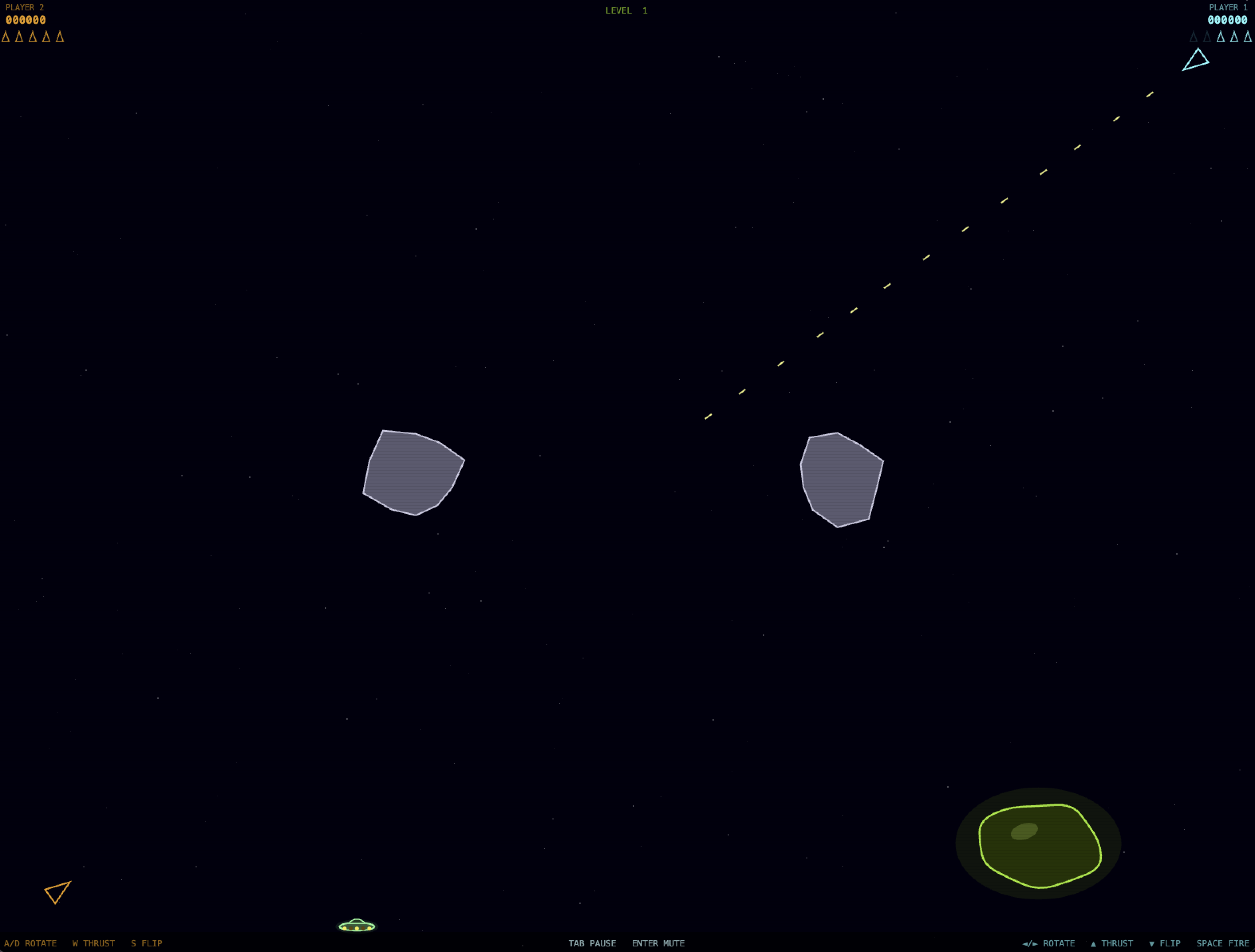
Last week I subscribed to Claude Code Pro and decided to put it through its paces by having it recreate that game — Cosmic Blob, my modernized tribute to the 1986 original.
I started with the simplest possible scaffolding: an asteroids-style ship with arrow key controls for rotate, thrust, and flip. I deliberately left out momentum — when you release the key, the ship stops immediately. That makes the game easier to follow and keeps the feel closer to the quick, snappy controls of the original rather than the floaty physics of classic Asteroids. Claude gave me exactly what I asked for, including a procedurally generated starfield.
From there I built the game up one feature at a time: obstacles, synthesized sound effects, the Blob itself, a pause feature, and finally a second player. As the game grew more complex, bugs crept in. For example, when the game was paused it would continue playing sounds in an infinite loop. We tracked down and squashed each one.
Along the way I exhausted my five-hour token limit twice. Code generation is clearly more token-intensive than tasks like refactoring or targeted bug fixes, and this was not a small project. Something to keep in mind for future sessions.
In the end, Claude Code produced roughly 1,100 lines of JavaScript in a self-contained single-page app, organized cleanly with clear constants, well-named functions, and good separation of concerns. If I want to tune something — say, the Blob’s size or hit points — I can find it immediately.
How the Code Works
The whole game lives in a single HTML file with no external dependencies. Here’s the structure at a glance.
The game loop. A requestAnimationFrame loop calls update(dt) and render() on every frame, where dt is the elapsed time in seconds (capped at 50ms to prevent physics explosions after tab switches). All movement and physics scale by dt, so the game runs at the same effective speed regardless of frame rate.
Audio. There are no audio files — every sound is synthesized on the fly using the Web Audio API
. Each effect is an OscillatorNode (usually a square wave for that 8-bit character) fed through a GainNode with a short volume envelope. The thrust sound uses a low-frequency oscillator (LFO) to wobble the carrier frequency, giving it that sputtering engine feel. All oscillators connect to a single masterGain node so pause and mute work cleanly without leaving any sounds dangling.
The push mechanic. This was the whole point of the exercise. When a bullet hits a ship, instead of destroying it, the code adds a velocity vector to the target in the bullet’s direction (pushVx, pushVy). That push velocity decays exponentially each frame (using Math.exp(-PUSH_DECAY * dt)), fading out over roughly two seconds. While a ship is being pushed it faces the push direction rather than the direction the player steered — a nice visual tell that something involuntary is happening. There’s also a kill-credit system: if a pushed ship dies while the push is still active, the shooter gets a 250-point bonus.
UFOs that shoot back. I came up with a particularly nasty trick for the UFOs: shooting one doesn’t destroy it — it immediately turns and comes straight at you. The code computes the vector from the UFO to the shooter and sets the UFO’s velocity directly along that line at full speed. The practical effect is that a careless shot turns a wandering nuisance into a guided missile aimed at the person who fired. In a two-player game this creates a genuinely evil opportunity: bait your opponent into shooting a UFO, then watch it hunt them down.
The Blob. The enemy boss is a procedurally animated blobby shape. It’s drawn as a closed Bézier curve through a ring of 12 control points, each of which oscillates on its own sine wave (individual frequency, amplitude, and phase offset). Its health value drives its scale via Math.sqrt(hp), so it shrinks as you damage it — quadratic scaling means it shrinks slowly at first and then rapidly near death, which feels more dramatic than linear would. A hitBurst value temporarily cranks up the wobble frequency when it takes damage, giving visual feedback that something connected. I asked Claude to make the Blob show distress when hit, and this jiggle effect is what it came up with — the original Cosmic Glob shed chunks when shot, but shrinking-with-a-frantic-wobble turned out to be a more expressive solution for a canvas renderer.
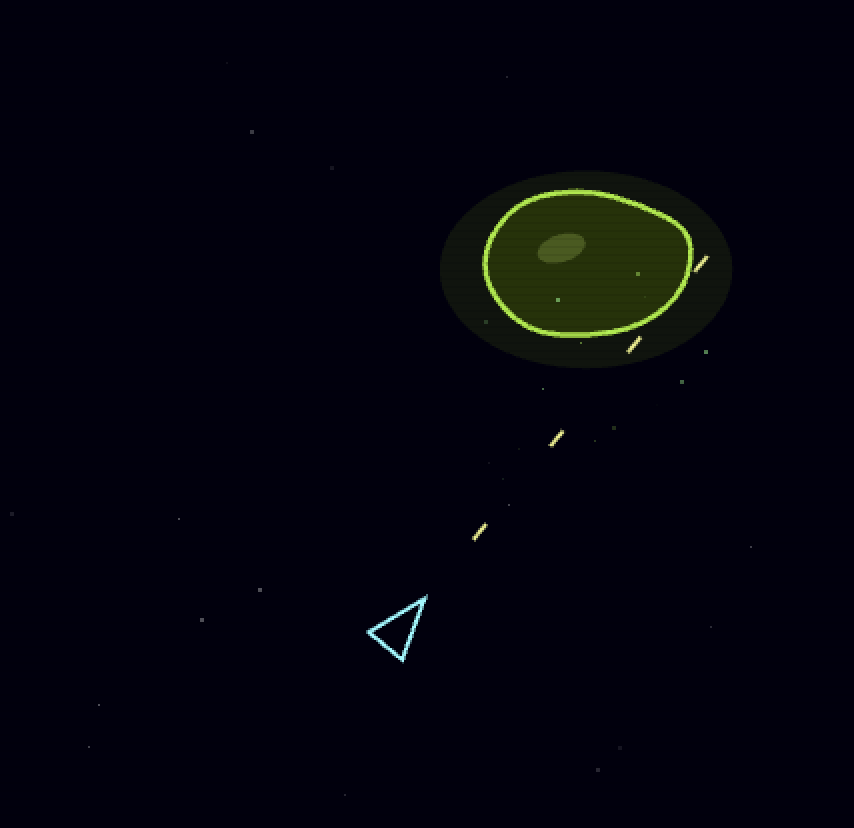
Level progression. Killing the Blob triggers a five-second transition, then startNextLevel() spawns a fresh Blob, adds one more UFO to the field, and calls genLevelPalette() — which picks a random HSL hue for the Blob, a contrasting hue for the UFOs, and a third for the rocks. Each level looks visually distinct without any hand-authored assets.
Retro aesthetic. A two-pixel-tall canvas tile is used to generate a subtle scanline overlay pattern, applied over every frame as a createPattern() fill. Canvas rendering is set to image-rendering: pixelated so there’s no interpolation blur. Combined with the square-wave audio and the deliberately simple ship geometry, it lands close to the visual register of the original — which is the whole point.
Play It
You can play Cosmic Blob right here: Play Cosmic Blob
Player 1 uses arrow keys to rotate and thrust, down arrow to flip 180°, and Space to fire. Player 2 (if you have a friend nearby) uses WASD and the 1-key to fire. Tab pauses. Enter mutes. Your goal is to wear down the Blob while keeping your opponent pinned against obstacles. Good luck.
My next AI-assisted project will go in a different order: start with brainstorming, plan out the user experience and feature set, then implement and host. Now that I have a feel for how Claude Code handles a medium-sized greenfield project, I’m curious to see how it performs as a design collaborator rather than just a code generator.